
Software
Software that coordinates heating operations.
IntelliWarmth software turns building signals into practical workflows for rooms, zones, schedules, device status, alerts and operator decisions.
Room 2.14 comfort drift
Review low-use setback
Workflow
From building setup to tracked action.
Model how the building is actually operated.
Bring room sensors, TRVs and gateways into view.
Coordinate operating windows and comfort constraints.
Surface comfort, device and schedule issues.
Give teams a clear approval workflow.
Keep evidence of decisions and outcomes.
Control Workspace
A clear workspace for rooms, schedules, devices, alerts and actions.
Keep operational decisions in one place so teams can move from signal to review to action without losing context.
Review setback recommendation
Automation and Rules
Practical rules without losing operational control.
Comfort rules
Protect target conditions for occupied rooms and sensitive zones.
Setback rules
Reduce demand when spaces are empty or outside useful periods.
Operating windows
Align heating logic with real schedules and known use patterns.
Exception alerts
Flag abnormal demand, comfort drift or connectivity problems.
Manual approval
Let teams review recommendations before operational changes are applied.
Staged automation
Move gradually from review to controlled automation where appropriate.
Device and Gateway Health
Diagnostics for connected heating operations.
Track device status, gateway connectivity, battery watchlists, signal quality and offline alerts before they interrupt decision-making.
User Roles
Role-aware workflows for the teams managing buildings.
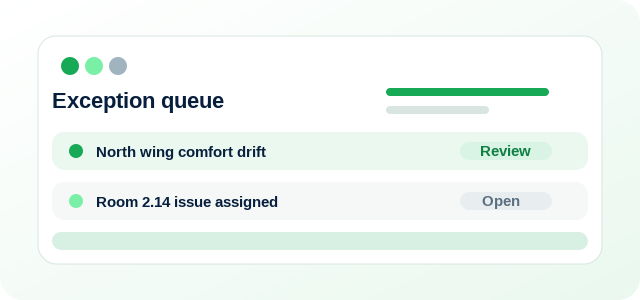
Facilities manager
Review exceptions, room issues and operational tasks.
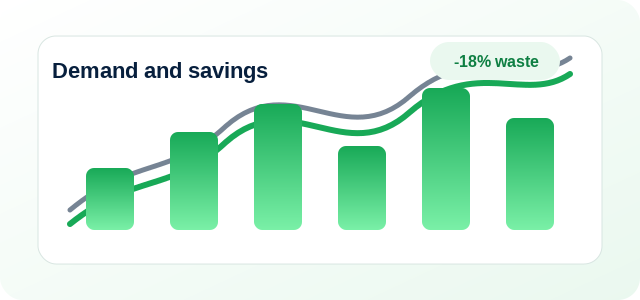
Energy manager
Understand schedule waste and improvement opportunities.
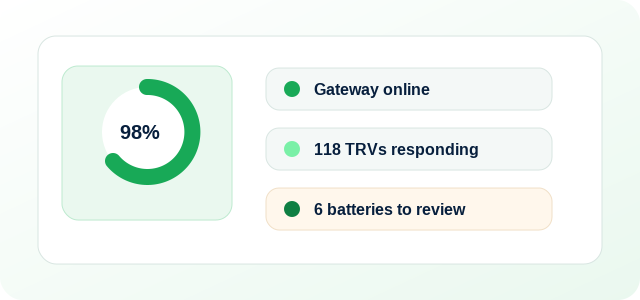
Building operator
Track devices, alerts and control workflows in one place.
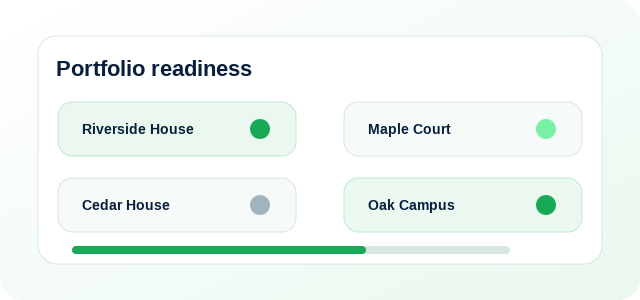
Portfolio lead
Compare readiness and action status across sites.
Evidence History
An audit trail for heating decisions.
Keep a practical record of what changed, who reviewed it, what evidence supported it and what happened afterwards.
Outcomes
Software that makes operational control clearer.
Less manual checking
Teams can start from exceptions and evidence rather than repeated room checks.
Faster issue response
Comfort, device and schedule problems are easier to route and review.
Clearer schedules
Operating windows become visible, comparable and easier to manage.
Better device visibility
Gateway and device health is easier to understand across buildings.
Stronger evidence trail
Actions can be explained with a practical record of decisions.
Ready for analytics and optimisation
Clean workflows prepare the building for deeper insight and controlled improvement.
Plan your software workflow
Discuss how rooms, schedules, devices, alerts and evidence history should work across your buildings.